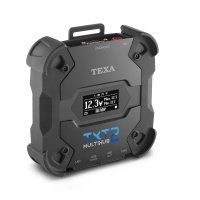
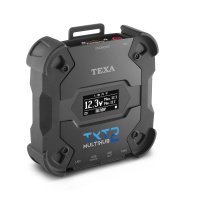
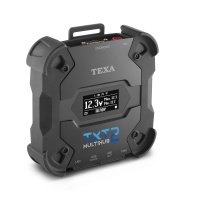
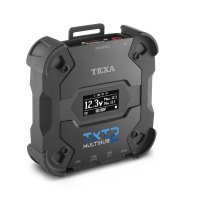
Adapter TEXA Info Connect 2: Remote Vehicle Diagnostics
- Previous
- Next


vendor code:
009294

0 zł
On order
Our managers will contact you and clarify the terms of the order
You can ask any question you are interested in about the product or the work of the store.
Our qualified specialists will definitely help you.
Our qualified specialists will definitely help you.
Description
TEXA Info Connect 2: Revolutionizing Remote Diagnostics for Your Workshop
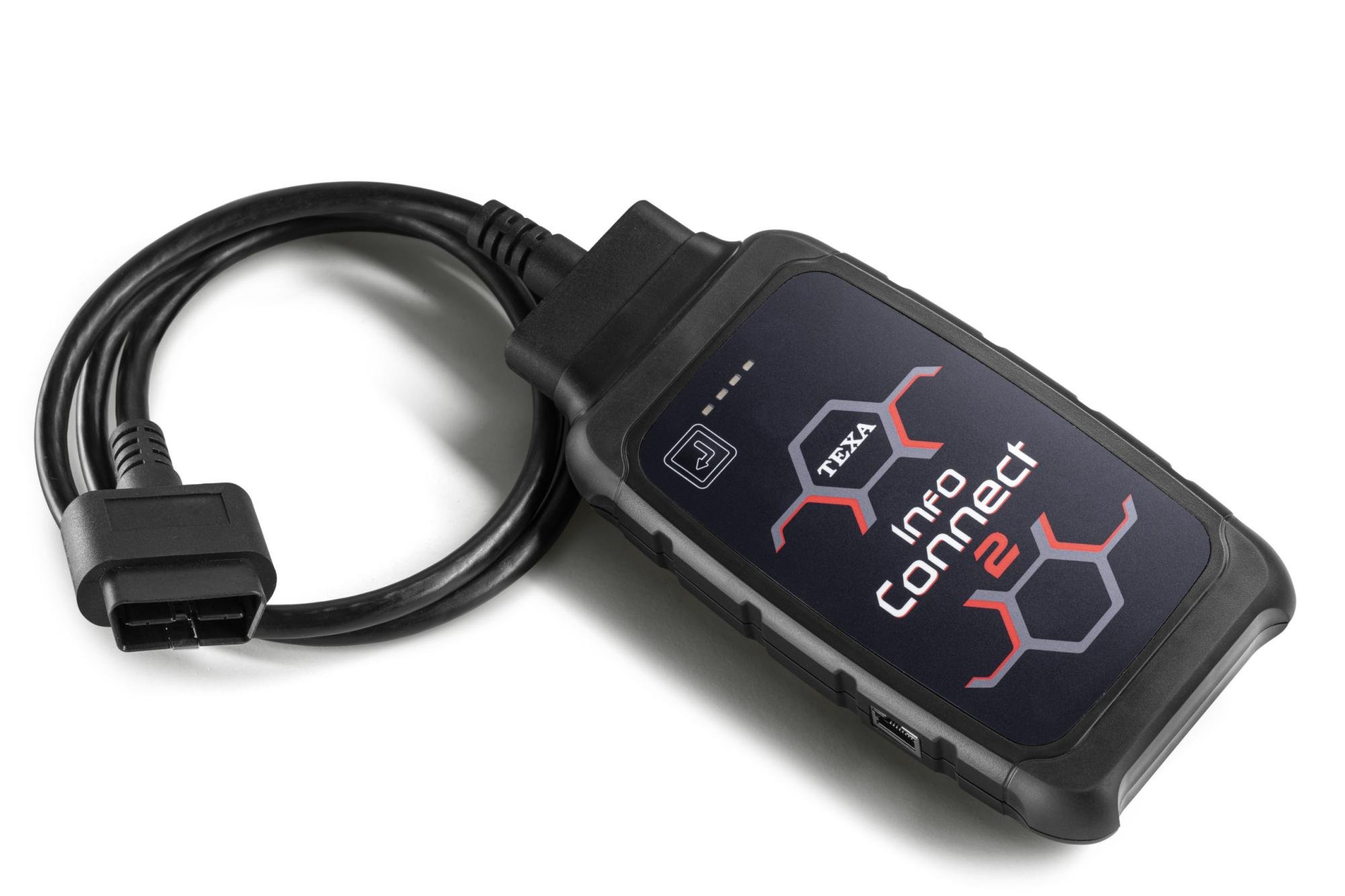
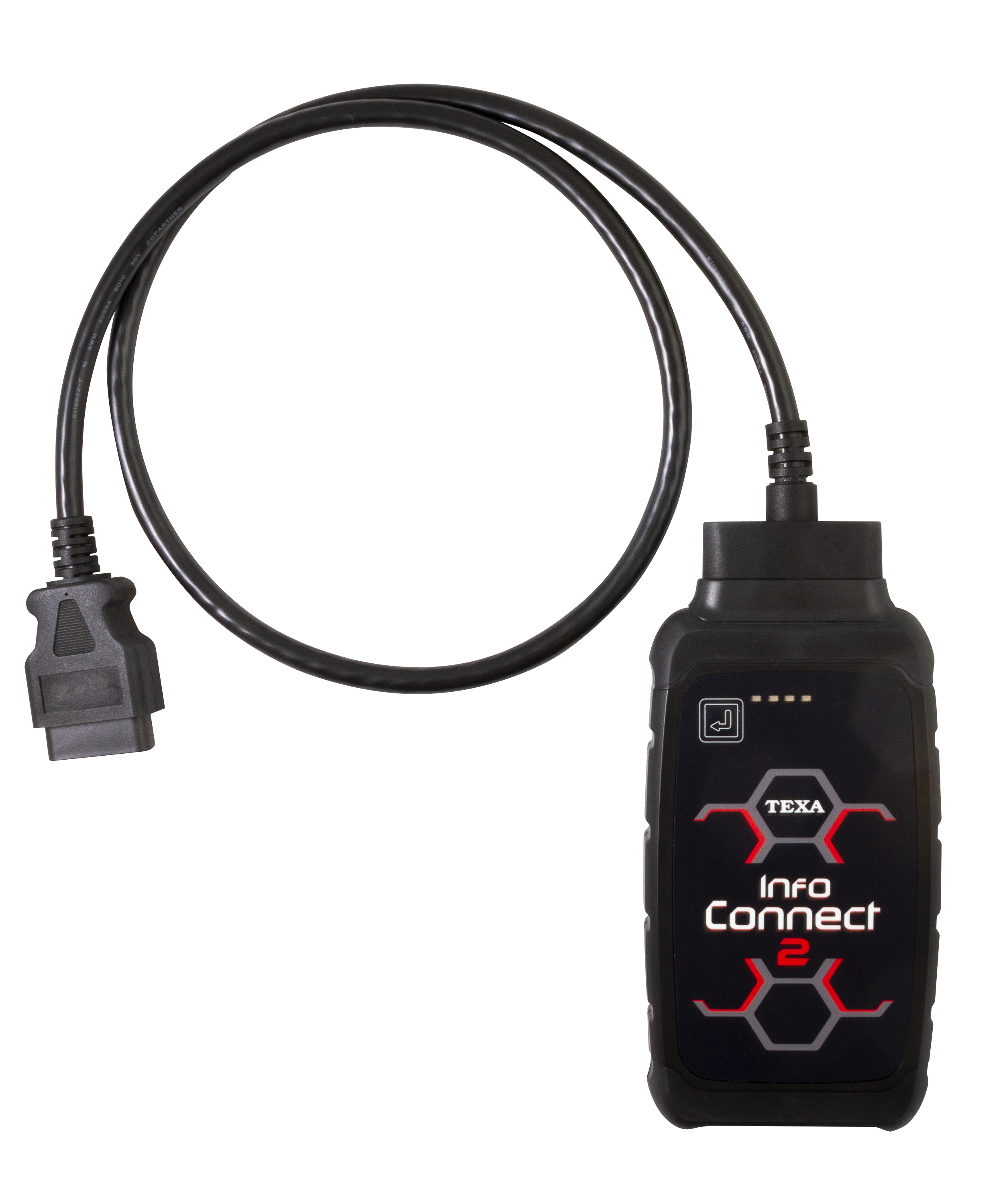
The TEXA Info Connect 2 is an innovative interface that opens new horizons in remote diagnostics. Developed by TEXA, this device allows you to fully utilize the capabilities of remote vehicle servicing, ensuring quick, easy, and safe resolution of even the most complex diagnostic tasks. Thanks to its wireless connectivity and seamless integration with diagnostic software, Info Connect 2 becomes an integral part of your diagnostic suite.
Instant Connection, Uninterrupted Assistance
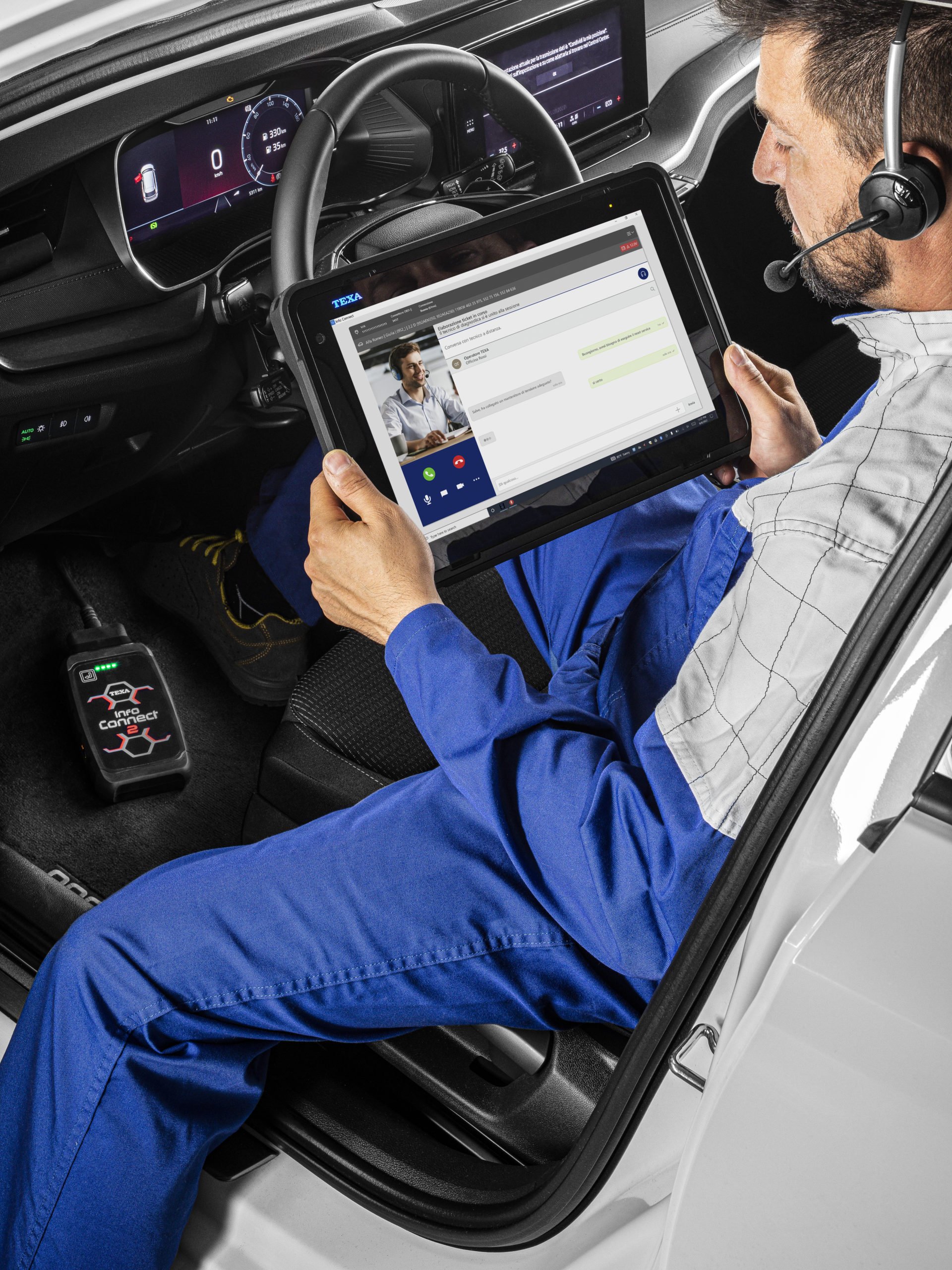
The functionality of Info Connect 2 is designed for maximum simplicity: simply connect it to the vehicle's diagnostic port and your TEXA tool. With the user-friendly IDC5 diagnostic software, you can instantly initiate a real-time connection with a TEXA expert. This allows necessary operations to be performed in minimal time, significantly increasing your work efficiency.
Bypassing Limitations: Your Path to Protected Systems
With Info Connect 2, you'll no longer face issues accessing vehicles equipped with Secure Gateway or other limitations! Our specialists will connect to you via Info Connect 2 and provide comprehensive support, including unlocking control units, which is a necessary step before performing your requested specific operation.
Remote Diagnostics: More Than Just Assistance
TEXA's remote diagnostics service isn't just remote assistance with multi-brand diagnostics. It provides access to additional diagnostic functions or those not yet available in standard diagnostic software. This includes support for complex operations that require deep knowledge and specific settings, giving you an edge in resolving non-standard tasks.
* Service availability may vary by country.
Requirements for Service Access:
To fully leverage the benefits of remote diagnostics, you need to:
- Have TEXA Viewer or a PC solution with Windows 11 or Windows 10 operating system, with active and updated CAR software, connected to a stable internet network.
- Own an Info Connect 2 interface.
- Have active TEXPACK CAR and TEX@INFO CAR subscriptions with CALL CENTER support.
- Have sufficient TEXA Points to perform the requested operation.
How to Use Info Connect 2:
- Connection: Connect the Info Connect 2 interface to the vehicle's diagnostic port.
- Request Assistance: Submit a request for assistance through the special portal in the IDC5 software.
- Expert Support: A TEXA operator will promptly connect to provide you with the necessary assistance and perform diagnostics.
Technical Specifications:
- Model: Info Connect 2
- Power Supply: DC 8V – 30V
- Consumption: max. 300 mA
- Wireless Characteristics: IEEE 802.11n – 2.4 GHz (2412-2462 MHz) – HT20 mode
- Operating Temperature: 5 °C – 40 °C
- Storage and Operating Humidity: 10 % ÷ 80 % non-condensing
- Diagnostic Connectors: OBD
- User Interface: 4 bi-color LEDs
- Connectivity: Wi-Fi and Ethernet output
- Dimensions: 190 x 100 x 30 mm
- Weight: 550 g
- Similar Items
-
-
HitWe advise
 Quick View
 -
Quick View
-
Quick View
-
Quick View
-